
Our Blog
Search for your queries here
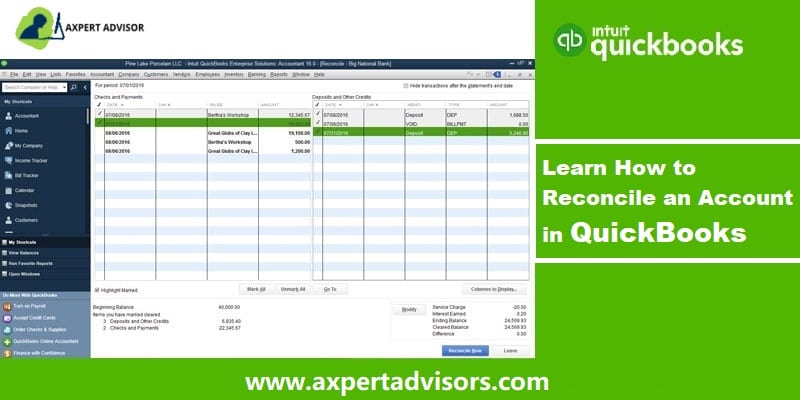
How to Reconcile your Accounts in QuickBooks?
Steps to Learn How to Reconcile Accounts in QuickBooks desktop or online: Ensuring your financial records are precise is crucial for any business. Just like balancing a physical checkbook, reconciling accounts in QuickBooks is an essential process to verify that...
What to do when QuickBooks can’t find company file?
Easy steps to find your company file if you are facing a 'Company File is Missing or cannot be Found' issue: Are you struggling to locate your company file in QuickBooks Desktop, encountering the frustrating message, "The company file you selected could not be found"?...

How to Fix QuickBooks Update Error 1603?
Get to know how to rectify the QuickBooks update error 1603 at the time of installation or updating HTML Encountering QuickBooks Error Code 1603 while installing or reinstalling QuickBooks Desktop can be frustrating, preventing you from accessing crucial accounting...

How to Resolve Printing Issues in QuickBooks Desktop?
Learn how to Troubleshoot PDF and Printing problems with QuickBooks Desktop Are you experiencing frustrating printing issues while working with QuickBooks Desktop? You're not alone. Problems like missing or corrupted components, or even issues with your printer or...
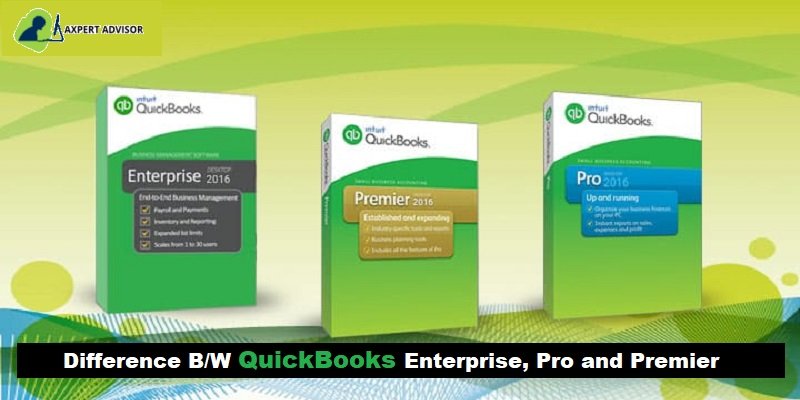
QuickBooks Pro, Premier, and Enterprise – Which Product is Right for You?
Learn the Difference between QuickBooks Desktop versions, Pro, Premier, and Enterprise Choosing the ideal QuickBooks Desktop version – Pro, Premier, or Enterprise – can be a critical decision for your business's financial management. Each version offers a distinct set...
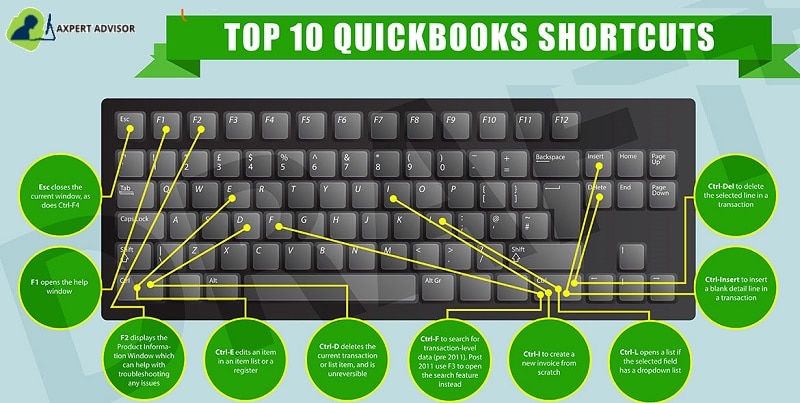
List of Keyboard Shortcuts in QuickBooks Desktop (Windows & Mac)
Learn keyboard shortcuts for QuickBooks Desktop for Windows and Mac Bookkeeping and accounting, while critical for any organization, can often be time-consuming and prone to error. Imagine if you could speed up these essential tasks and minimize mistakes. The good...
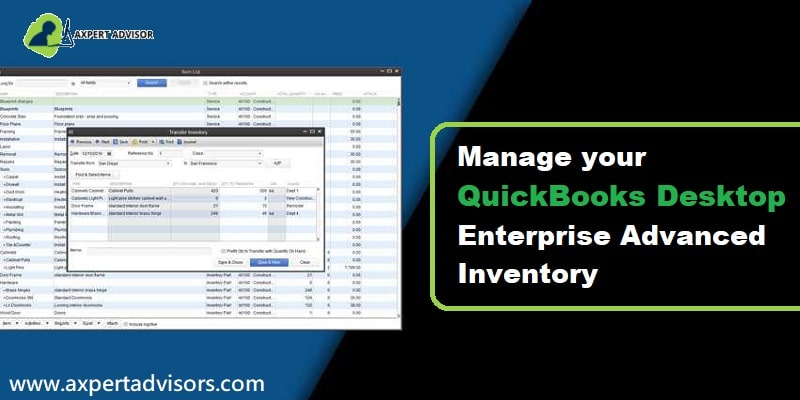
How to Manage Your QuickBooks Advanced Inventory?
Simple Tips & Tricks to Manage QuickBooks Advanced Inventory Like a Pro Are you looking for a simpler way to manage your inventory within QuickBooks Enterprise? You've landed in the right place! This guide provides an easy-to-follow walkthrough that will make...
How to Troubleshoot Basic QuickBooks Company File Issues?
Learn how to fix data damage and resolve basic QuickBooks company file issues: Encountering data issues or company file problems in QuickBooks can be incredibly frustrating, often preventing you from accessing your critical financial information. While these errors...

How to Fix “This is a Corrupt or Damaged QuickBooks Database” Error?
Simple Steps to Fix 'This is a Corrupted or Damaged QuickBooks Database' Error Encountering a corrupt or damaged QuickBooks database error can be incredibly frustrating and disruptive, potentially jeopardizing your essential company files and the seamless operation of...

How to Resolve Company File & Network Errors with QuickBooks File Doctor?
This article explains how you can repair your damaged files and network issues with QuickBooks File Doctor: As a QuickBooks user, encountering company files and network-related problems is a common experience. While these issues can seem daunting, many are...
Subscribe & Follow
Join Our Newsletter
Vivamus magna justo, lacinia eget consectetur sed, convallis at tellus. Sed porttitor lectus nibh. Curabitur non nulla sit amet nisl tempus convallis quis ac lectus.
 +1-888-368-8874